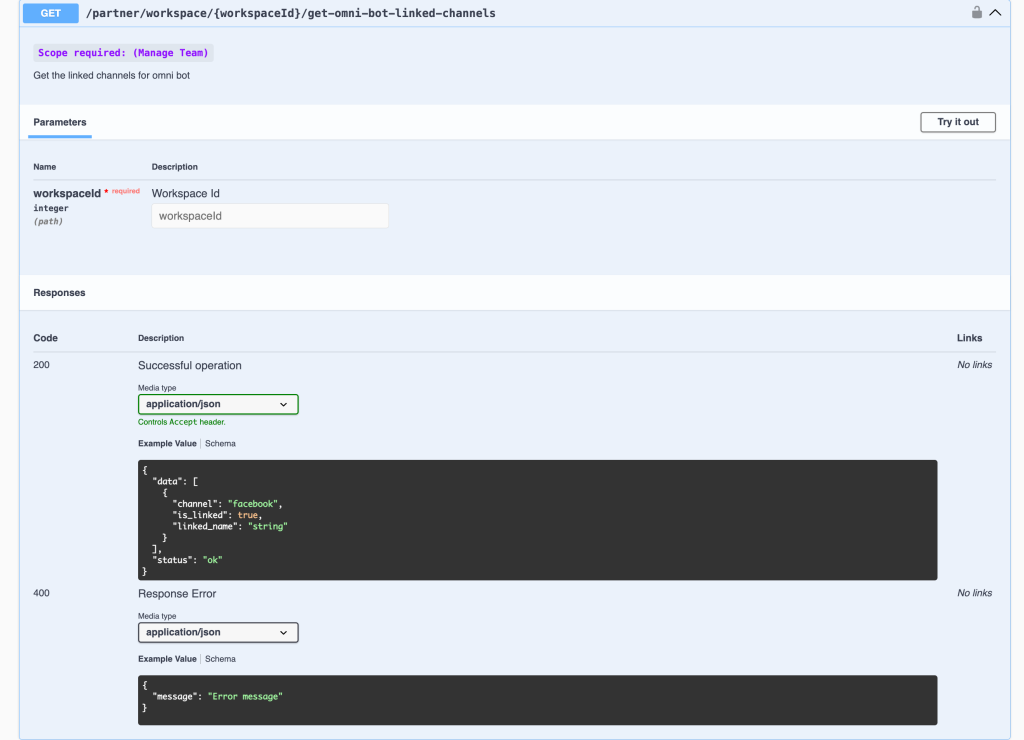
Feature: Partner Api - Get Omni bot linked channels
Partner API — Get Omni Bot Linked Channels
A new Partner API endpoint lets partners programmatically retrieve all channels linked to the Omni Bot in any client workspace.
New Endpoint
Method Endpoint Description
| GET | /partner/workspace/{workspaceId}/get-omni-bot-linked-channels | Get the linked channels for the Omni Bot in a workspace
Parameters
Name Type Required Description
| workspaceId | integer (path) | ✅ Yes | The ID of the target workspace
Response Example
{
  "data": [
    {
      "channel": "facebook",
      "is_linked": true,
      "linked_name": "string"
    }
  ],
  "status": "ok"
}
What's New
- 🤖 Retrieve Omni Bot channel links via API — check which channels (Facebook, WhatsApp, Instagram, Telegram, etc.) are connected to the Omni Bot in any workspace
- 🔍 Returns channel, is_linked status, and linked_name for each channel
- 🔑 Requires Manage Team scope on your Partner API token
How to Use
- Authenticate with your Partner API key (Manage Team scope required)
- Call GET /partner/workspace/{workspaceId}/get-omni-bot-linked-channels with the target workspace ID
- Parse the data array to see which channels are currently linked and their display names
Full API docs: partner-api#/Partner Management/partnerWorkspaceGetOmniBot
Why It Matters
- Enables partners to audit Omni Bot channel configurations across all client workspaces programmatically
- Useful for onboarding workflows — verify which channels are live before triggering automated flows
- Supports partner dashboards that need to display channel status per workspace without requiring UI access
👉 Partner-only feature. Requires Manage Team scope. Published: November 16, 2025.